Short answer: open yourdomain.com/webmail in any browser and log in with your full email address and password. You can also open webmail from your client area or from cPanel.
Option 1: Direct address (fastest)
- In your browser, go to
https://yourdomain.com/webmail. (Orhttps://yourdomain.com:2096.) Replace yourdomain.com with your real domain. - Type your full email address, for example
name@yourdomain.com. - Type the password of that mailbox and click Log in.
- If asked to pick a webmail program, choose Roundcube. It is simple and modern.
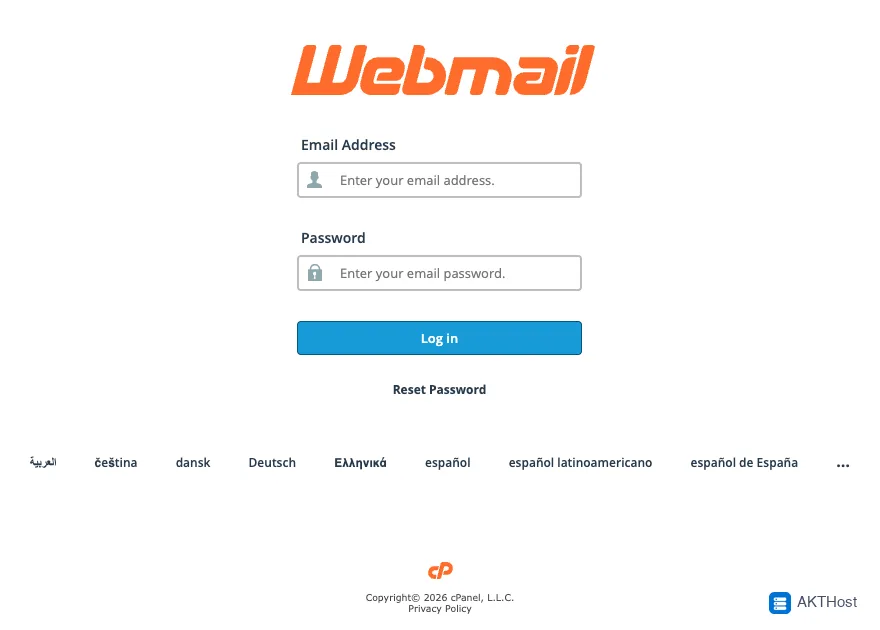 The webmail login page. Use your full email address.
Option 2: From your client area
If you are our customer, log in to your client area. The webmail button is on your hosting plan page.
Option 3: From cPanel
Log in to cPanel, open Email Accounts, and click Check Email next to the mailbox.
No mailbox yet?
Create one in cPanel under Email Accounts, then Create. See How would I create and access my email account.
Change your password
In webmail, open the settings or the profile menu at the top right and choose the password option. Use a long password you do not use anywhere else.
Problems
Login error
Check that you typed the full email address. Check Caps Lock. If you forgot the password, reset it in cPanel under Email Accounts.
Page will not load
Try another browser or a private window. Clear the browser cache. Check that your domain points to our servers.
Cannot access webmail
Make sure your hosting account is active and paid. If it still fails, open a support ticket.
Still stuck? Open a support ticket with your domain name and what you see. Please do not put passwords in the ticket.